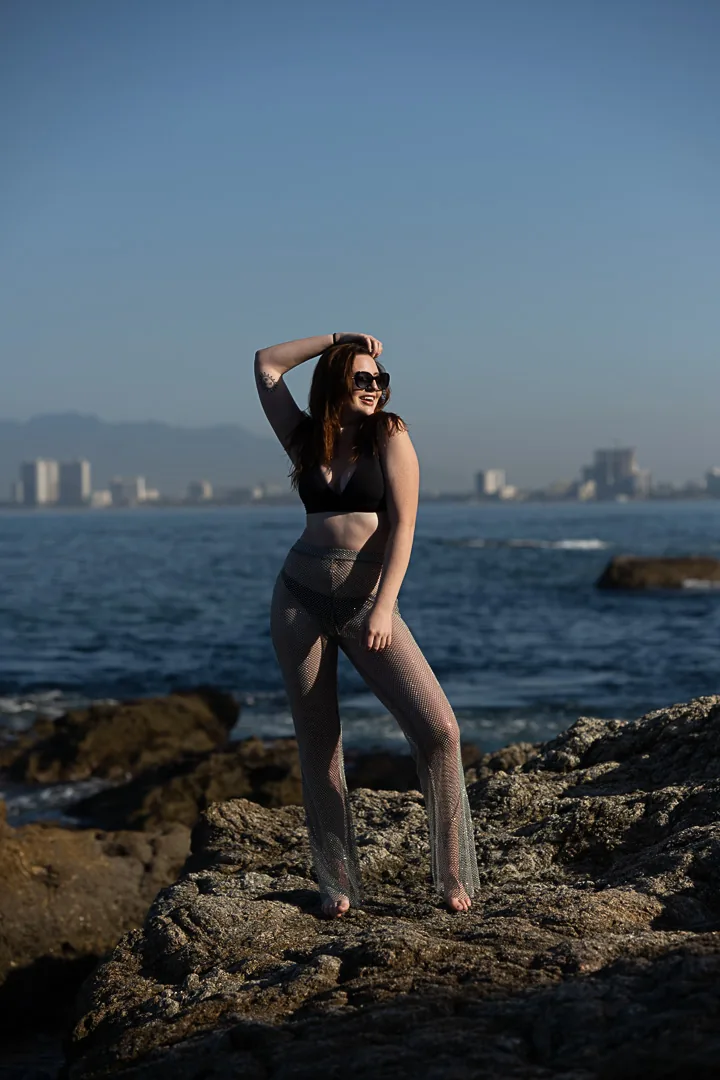
Thirteen looks from the coast.
The color grading behind this portfolio, packaged as Lightroom presets. Three packs at $25 each, or the complete set for $59. Drag any image to compare before and after.

Put the presets on your own photo.
Drop in any photo and switch between all thirteen looks. It runs entirely in your browser: your photo is never uploaded anywhere.
ARP Dusk
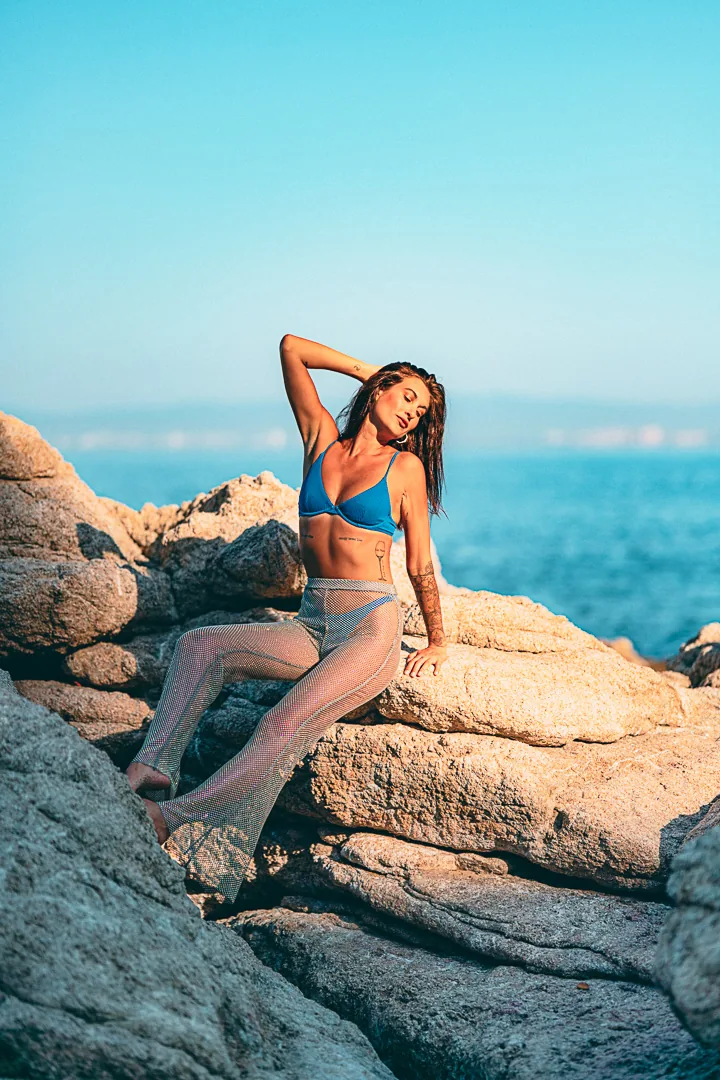
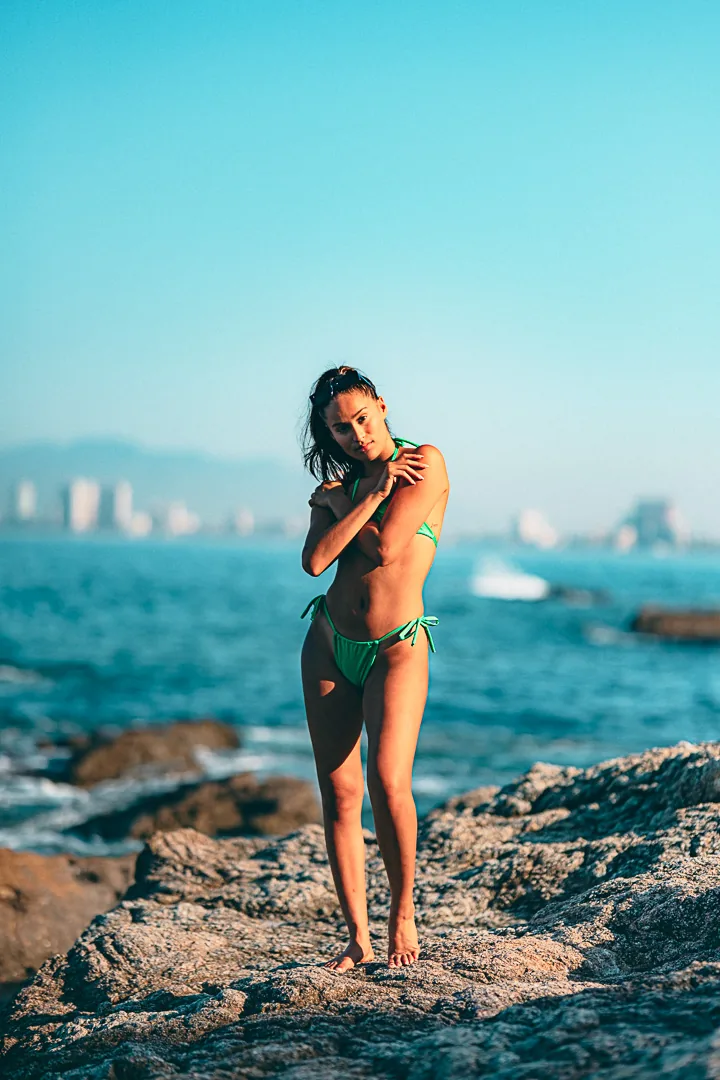
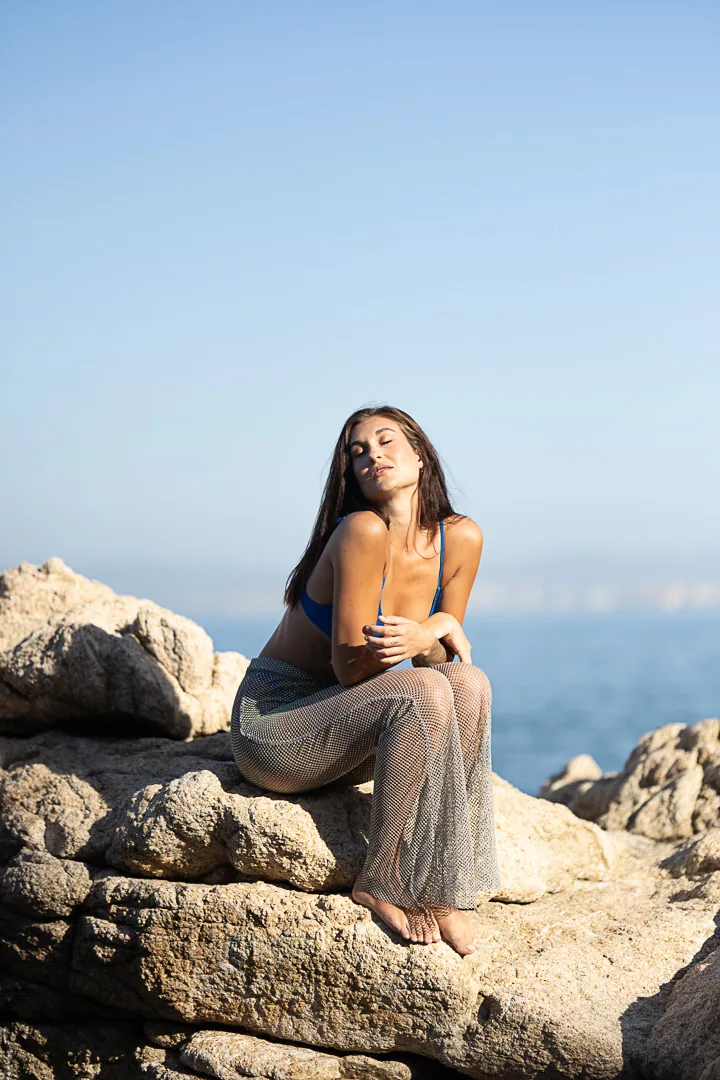
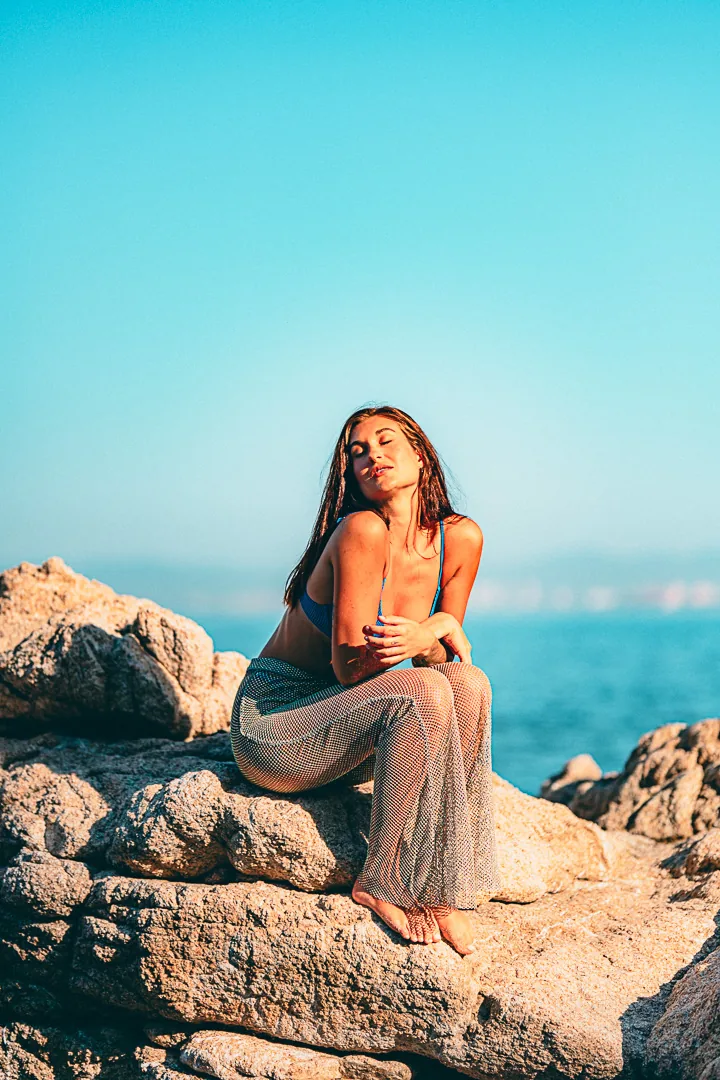
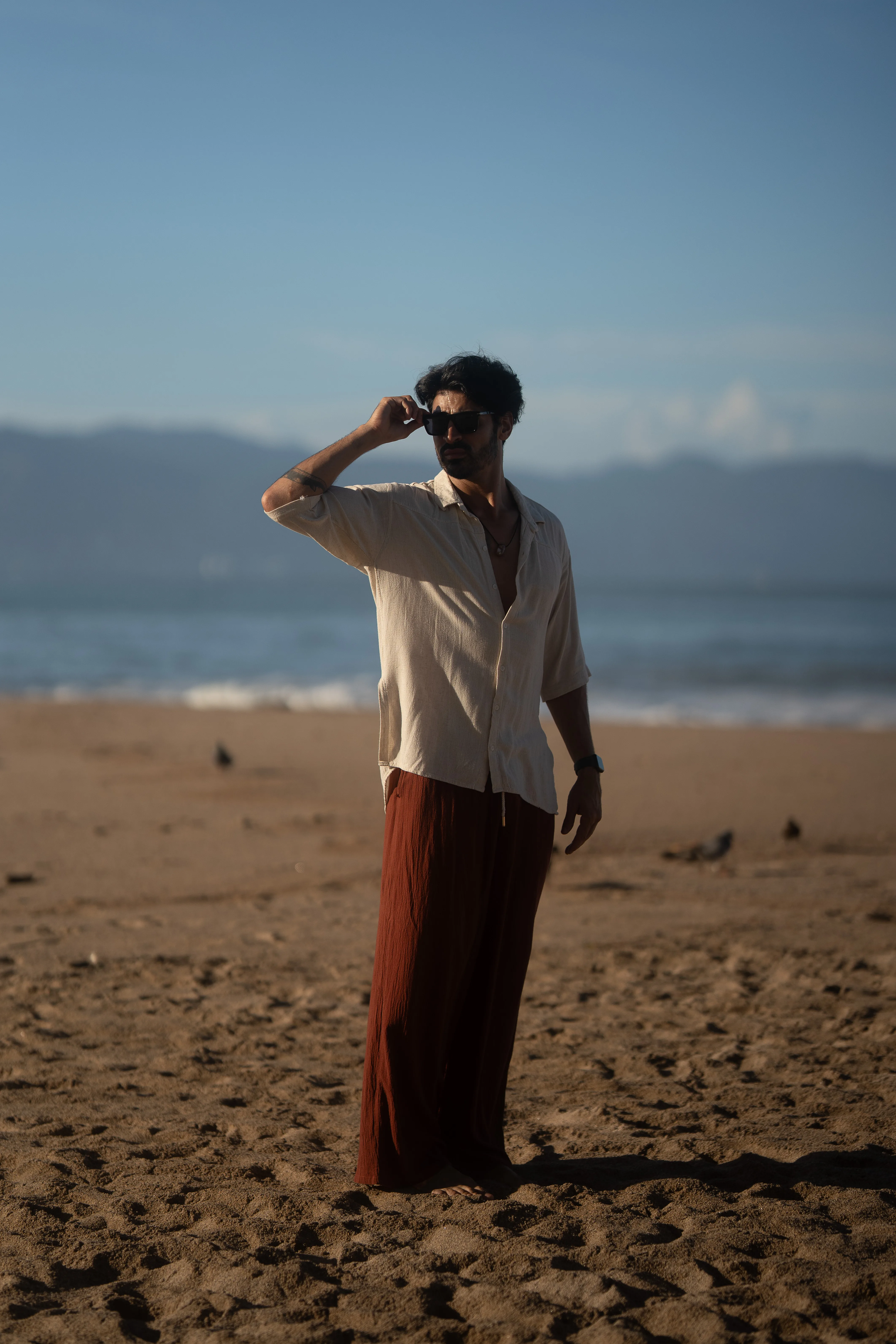
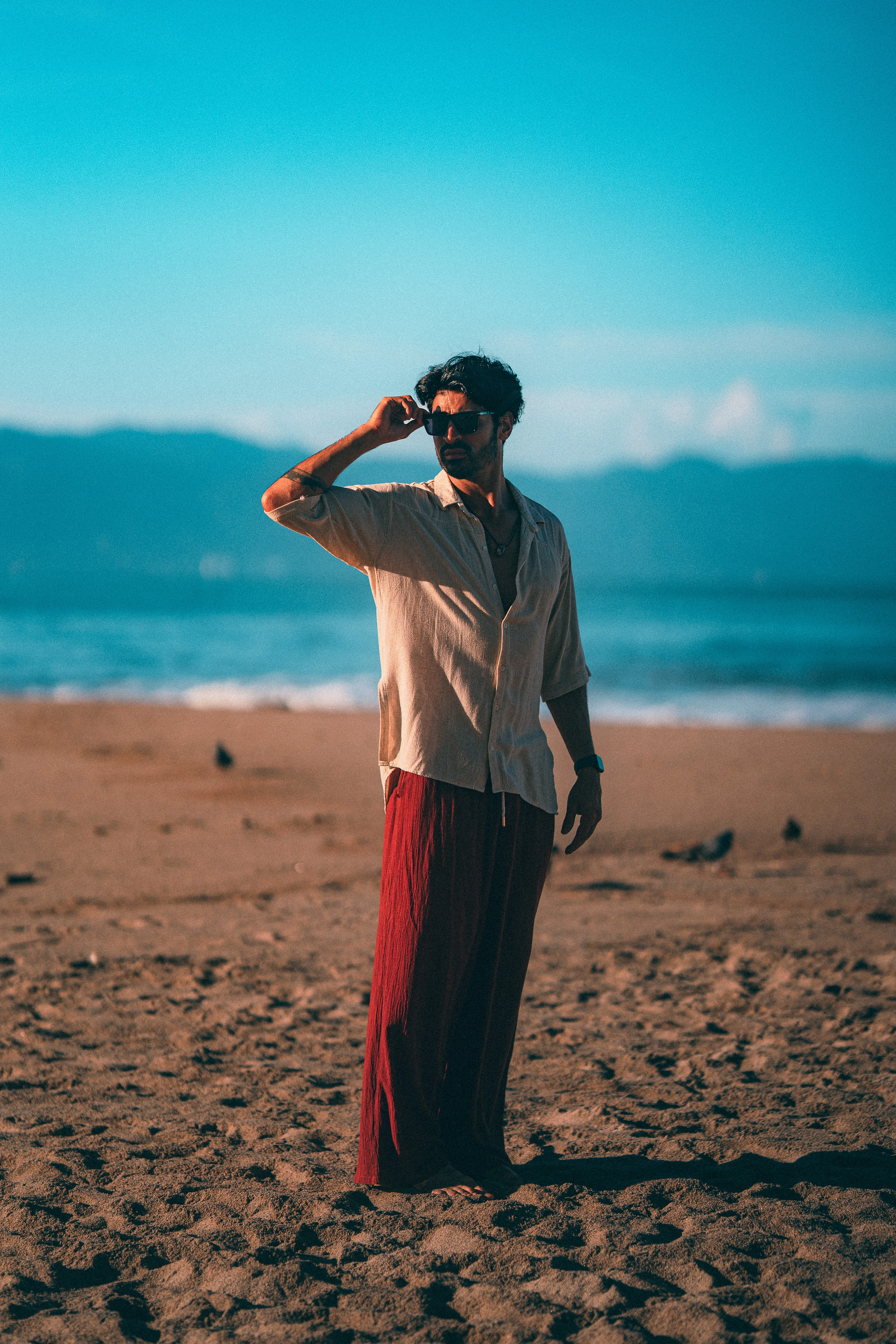
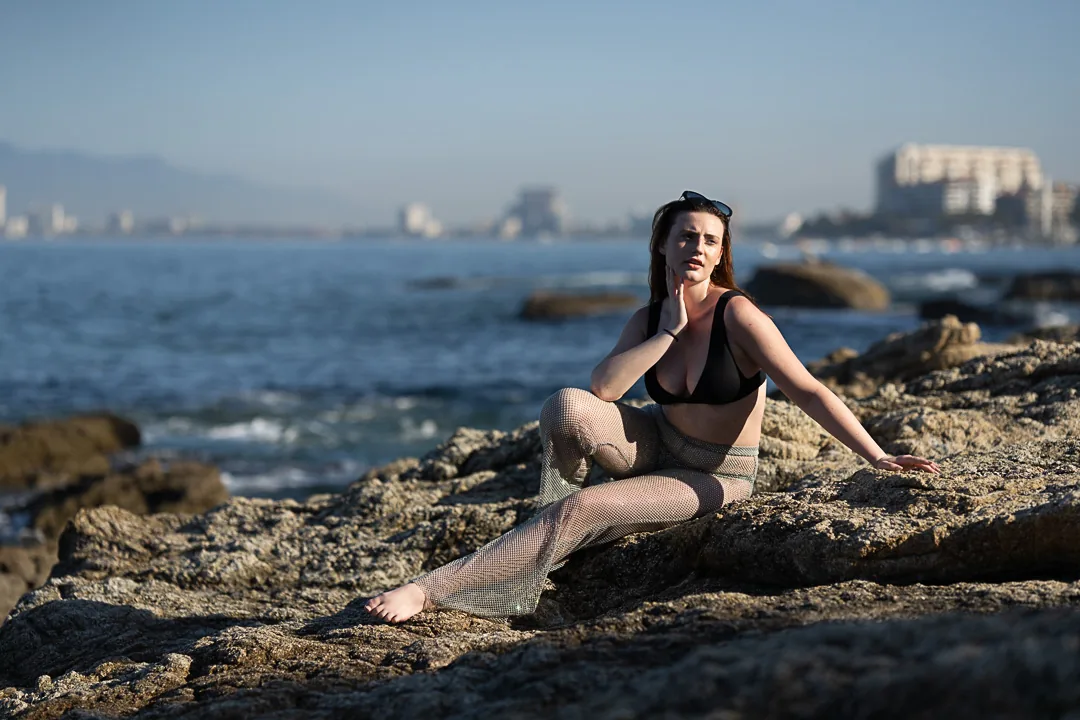
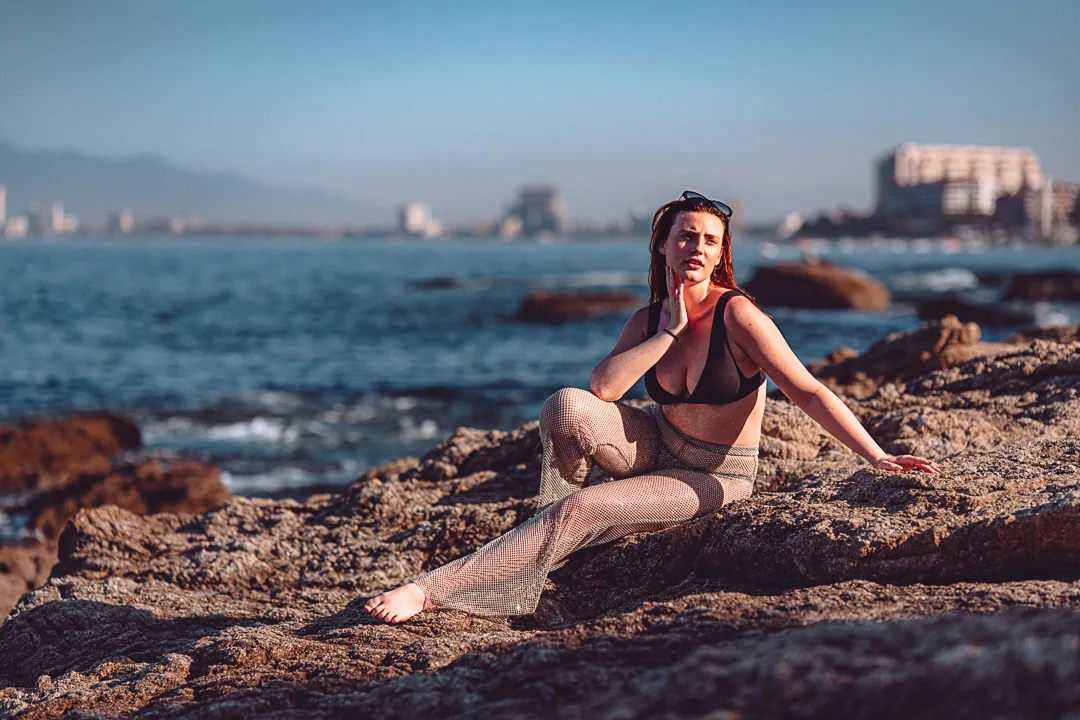
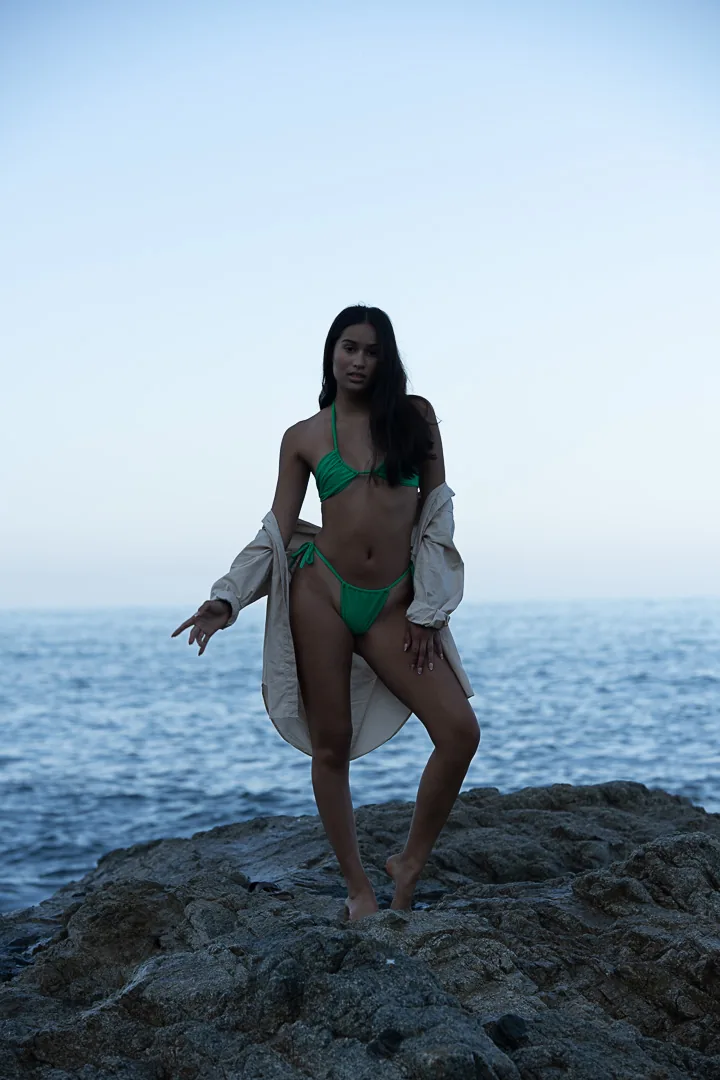
Golden hour on the rocks. Lifted shadows, warm skin, teal water, a touch of grain. Five variations from soft to deep.
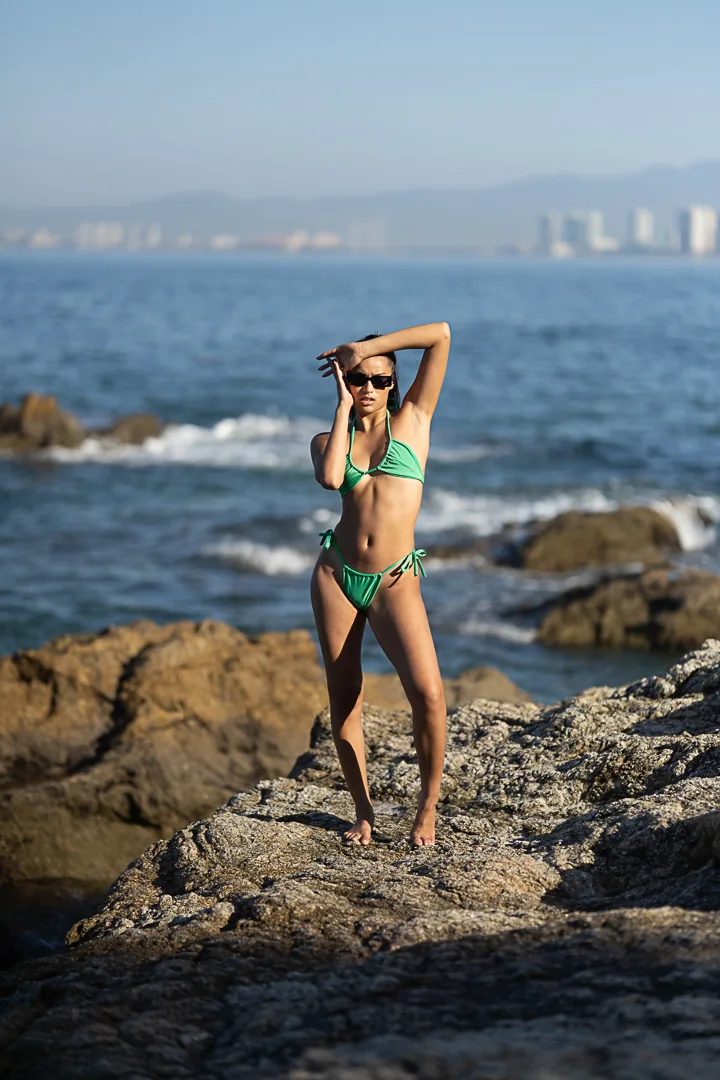
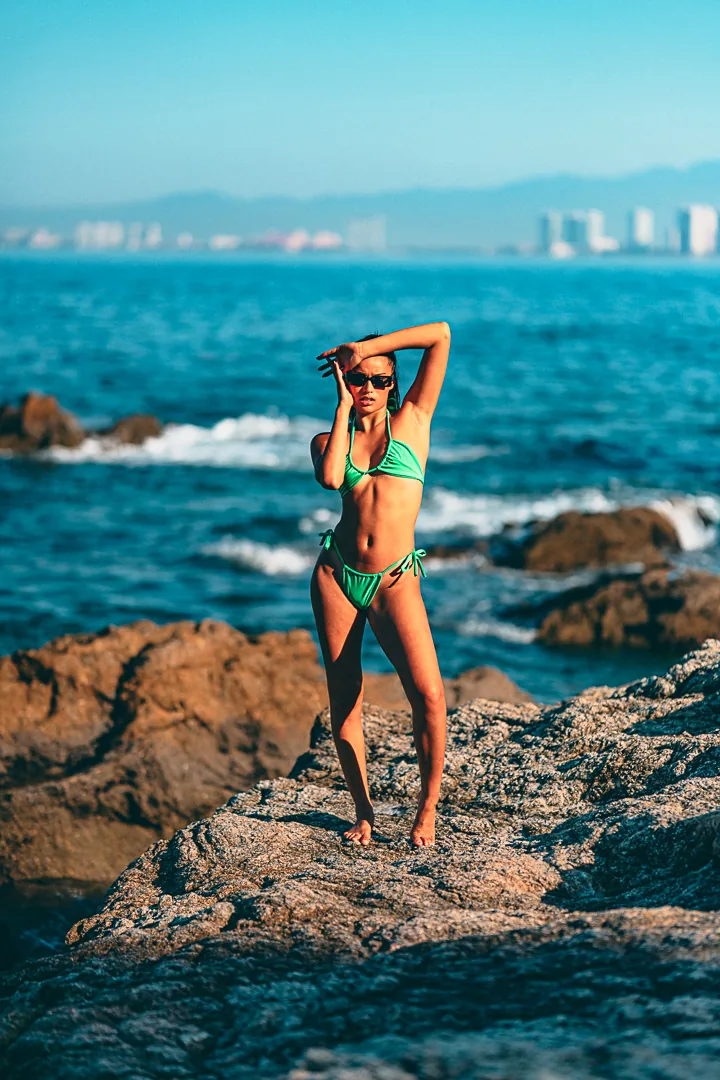

ARP Color
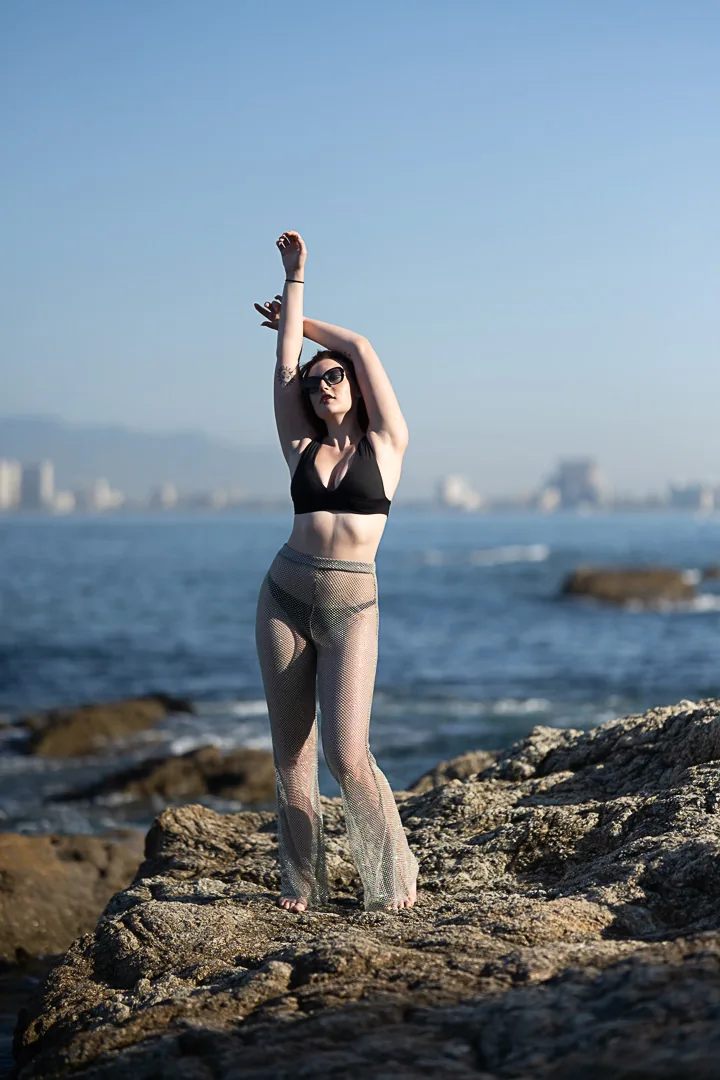
The bold grades. Teal water against amber skin, a violet hour for the last light, and a warm pop for midday.


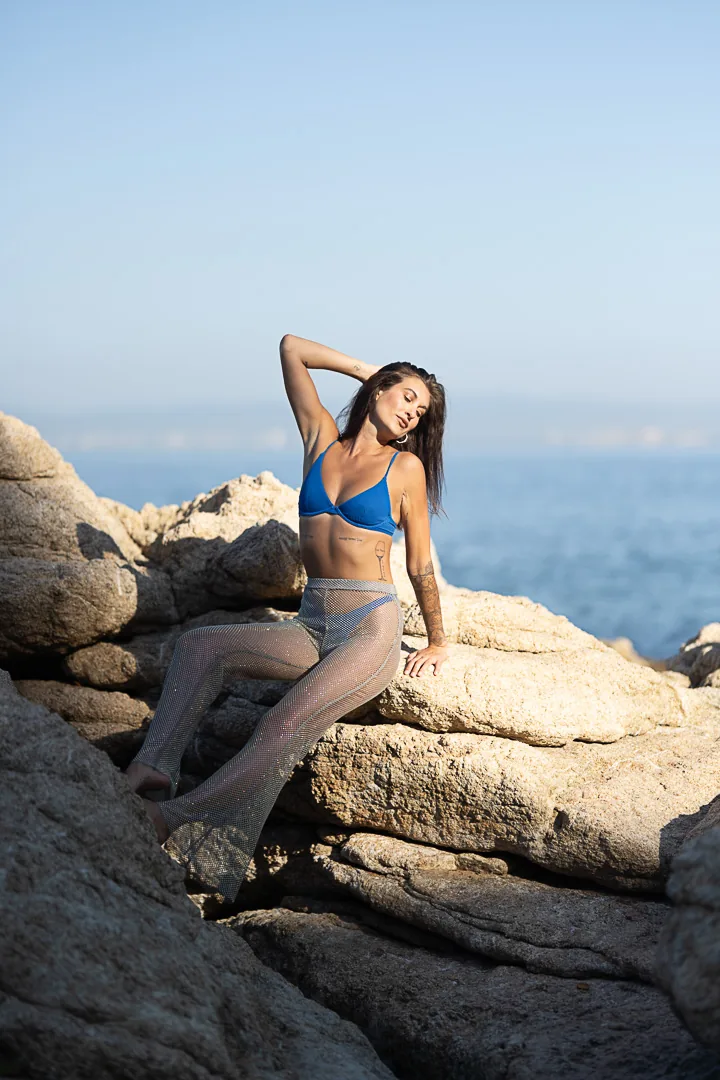
ARP Film & Light
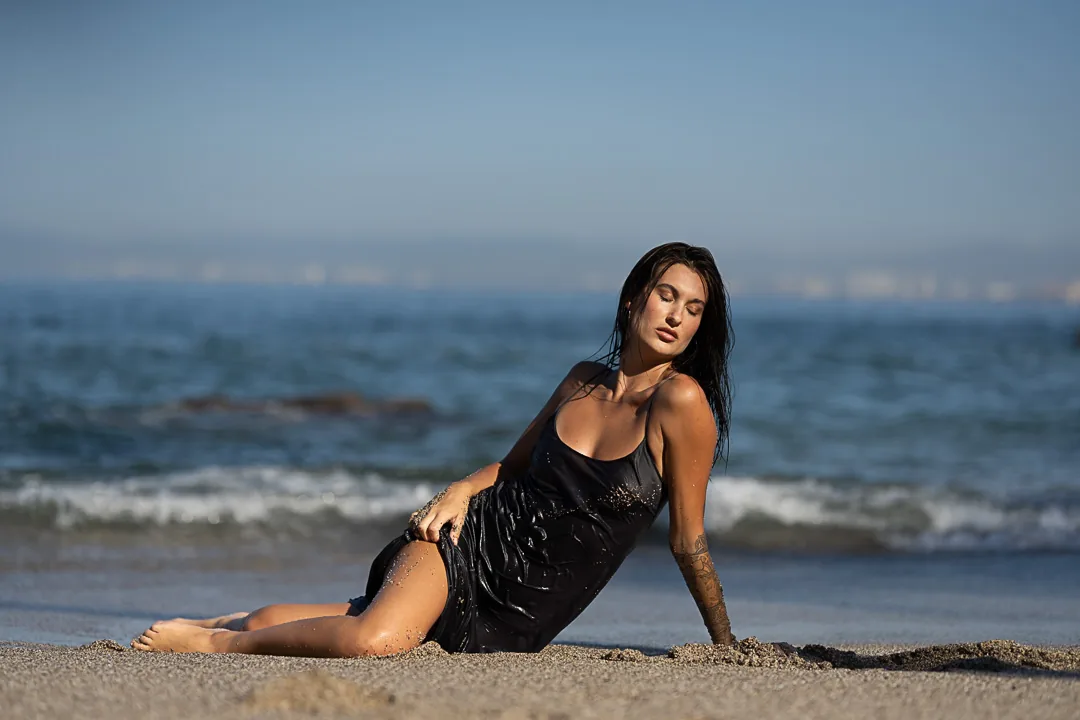
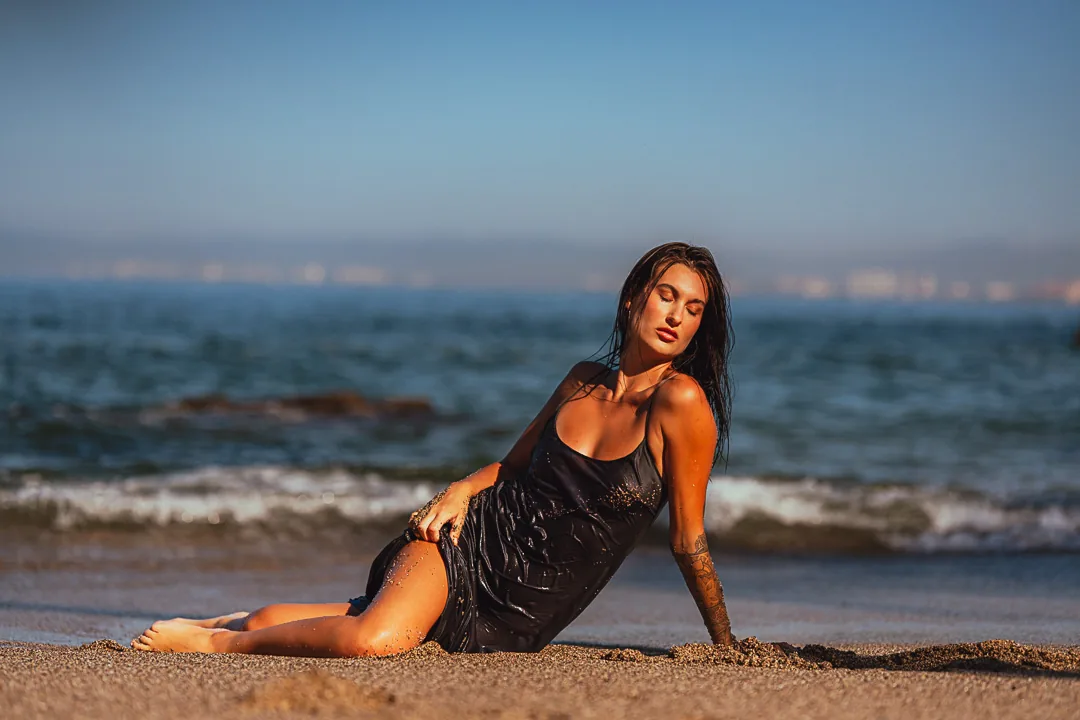
Quiet and bright. Two film-inspired looks with gentle grain, and two airy daylight presets for white sand and soft skin.

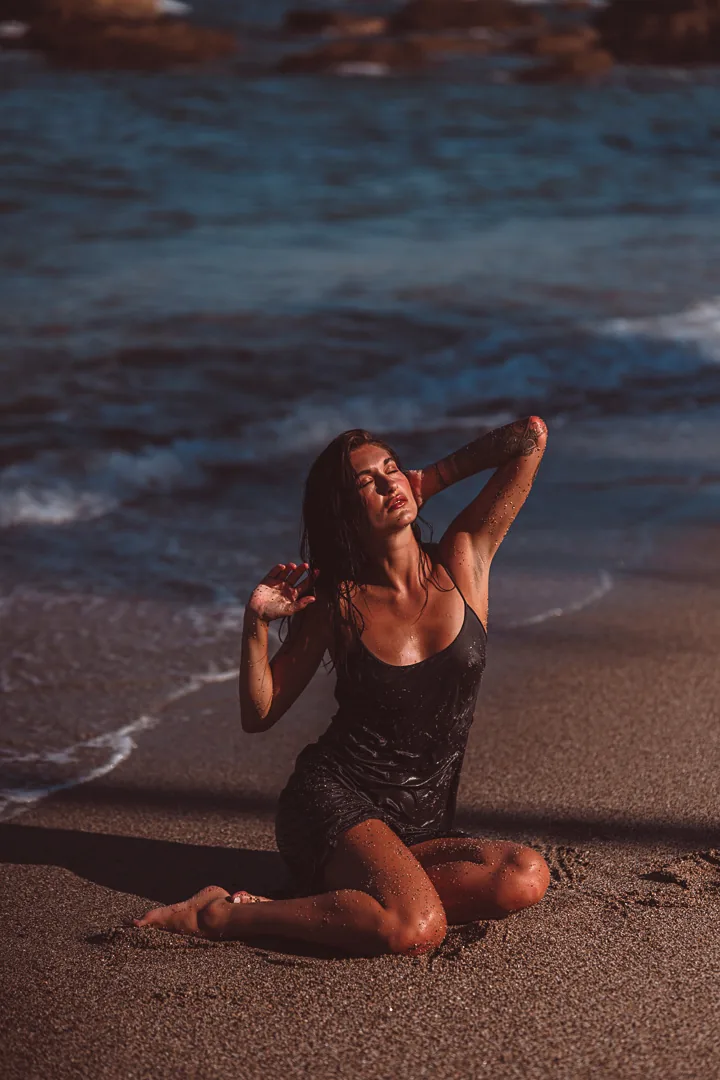


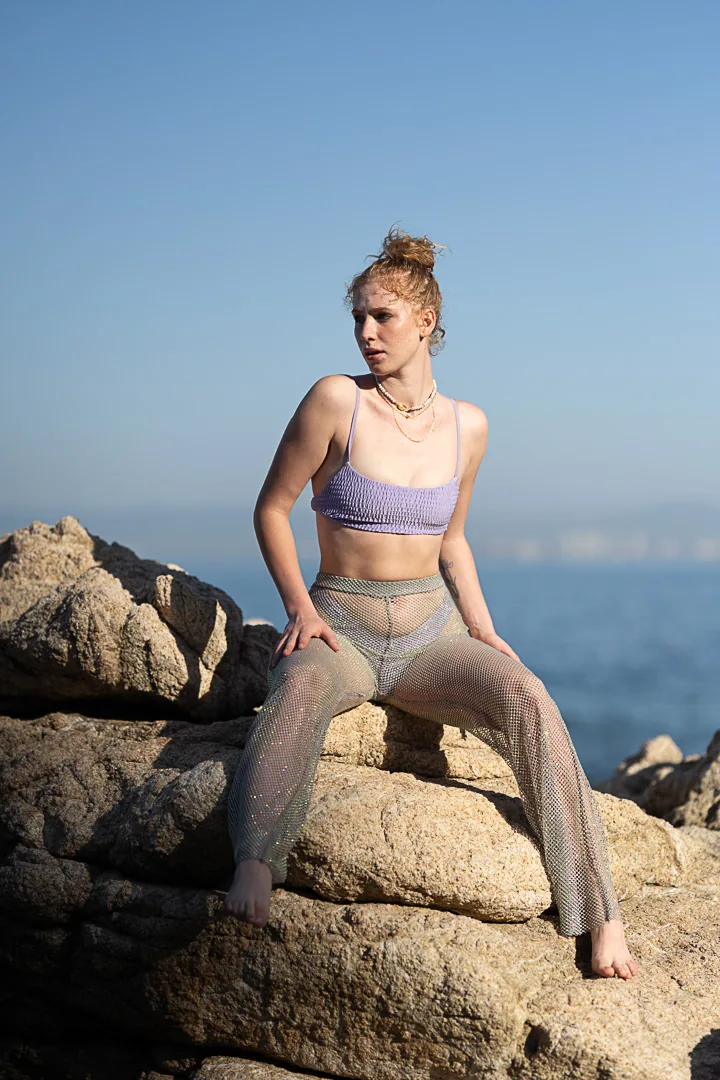
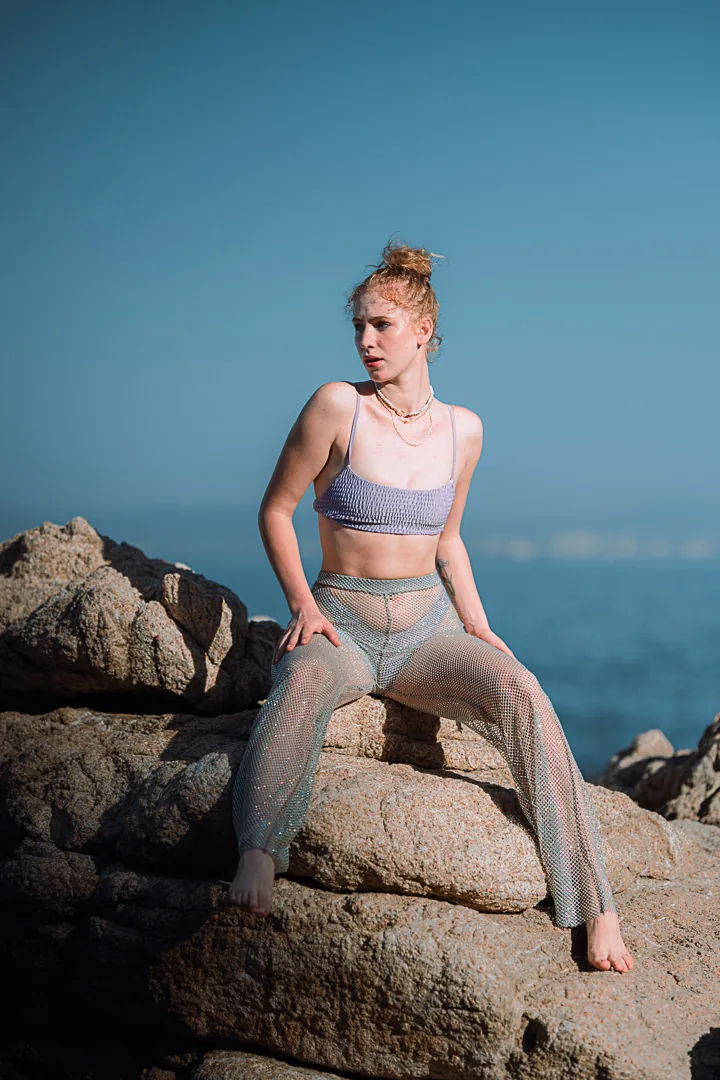
All 13 presets, one download.
Dusk, Color, and Film & Light together. Every future update to these packs included.
Two minutes, then they're yours.
- Download the ZIP from the page you land on after payment. It also arrives by email.
- Lightroom Classic: Develop module → Presets panel → “+” → Import Presets → choose the .xmp files.
- Lightroom (desktop): Edit → Presets → “…” → Import Presets.
- Camera Raw: Presets tab → “…” → Import Profiles & Presets.
- Mobile: sync from Lightroom desktop, and the presets appear on your phone.
Will they look exactly like the photos here?
They give you the same grade. Exposure and white balance are left to you on purpose, so the preset adapts to your light instead of fighting it. Set those first, then apply.
Which cameras do they work with?
Any RAW or JPEG file Lightroom can open. They were built on Sony files and tested on Canon and Fujifilm.
Can I use them on client work?
Yes. One licence covers your own photographs without limit. Reselling or sharing the preset files is not allowed.
Refunds?
Digital files can't be returned, so there are no refunds once downloaded. If a file won't import, write to hello@alonsoreyes.photography and it gets fixed.